Semester dashboard
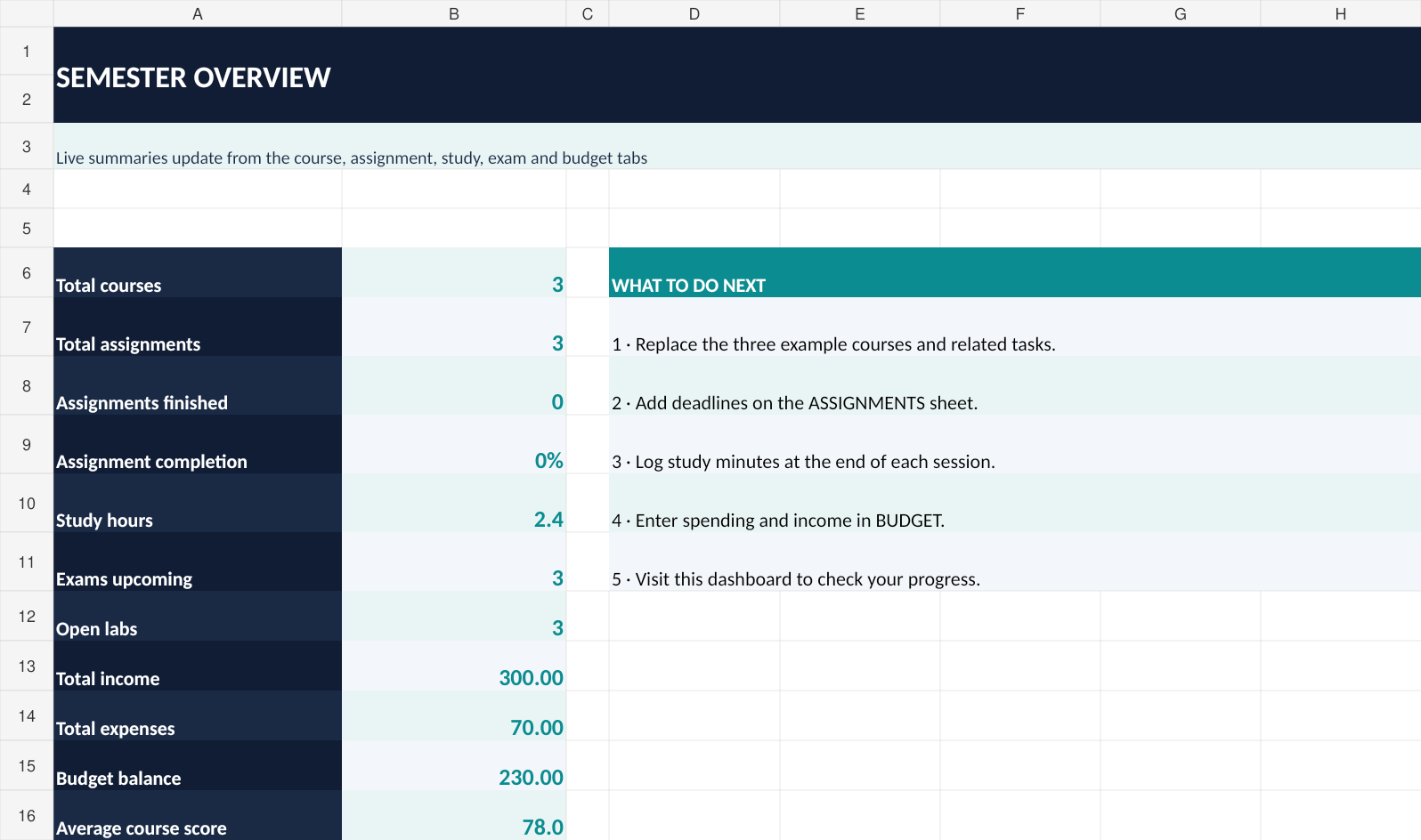
Track course count, completed assignments, study hours, exams, lab work and your money balance.
Projects, labs, deadlines and study time—organized in one practical Excel workbook so you can focus on what matters.
Test checkout preview · Not yet accepting real payments · No recurring subscription
Engineering Student OS / Semester Overview
A useful toolkit—not another complicated productivity system.
Track course count, completed assignments, study hours, exams, lab work and your money balance.
Manage due dates, task priorities, estimated hours, progress and automatic urgency labels.
Keep subject topics, preparation progress and days until the exam in one place.
Follow practical deliverables, milestones and progress across multiple courses.
Record focused minutes and plan your weekly lectures, practice and project blocks.
Log everyday income and expenses with a balance that updates from your entries.
Editable tables, example entries, dropdown categories, and formula-powered summaries. Open the file in Excel, replace the samples, and get going.
Sample data shown in this preview is illustrative. Excel compatibility may vary across non-Microsoft spreadsheet apps.
One Excel workbook, nine worksheets, lifetime use of the purchased version.
Test checkout only until Lemon Squeezy activates the store. Do not use a real payment card for testing.
Useful planning tips for engineering and technical students.
Loading journal...
You need compatible spreadsheet software. This workbook is designed for Microsoft Excel. Some features may behave differently elsewhere.
No. This is an organizational template, not a solution bank or substitute for academic work.
No. The price is for a one-time digital download.
Download links are sent by the checkout provider after purchase. The seller will publish a support contact and applicable refund terms before taking payments.